Anydesk
AnyDesk, a fast remote access to computers

Safe & Secure
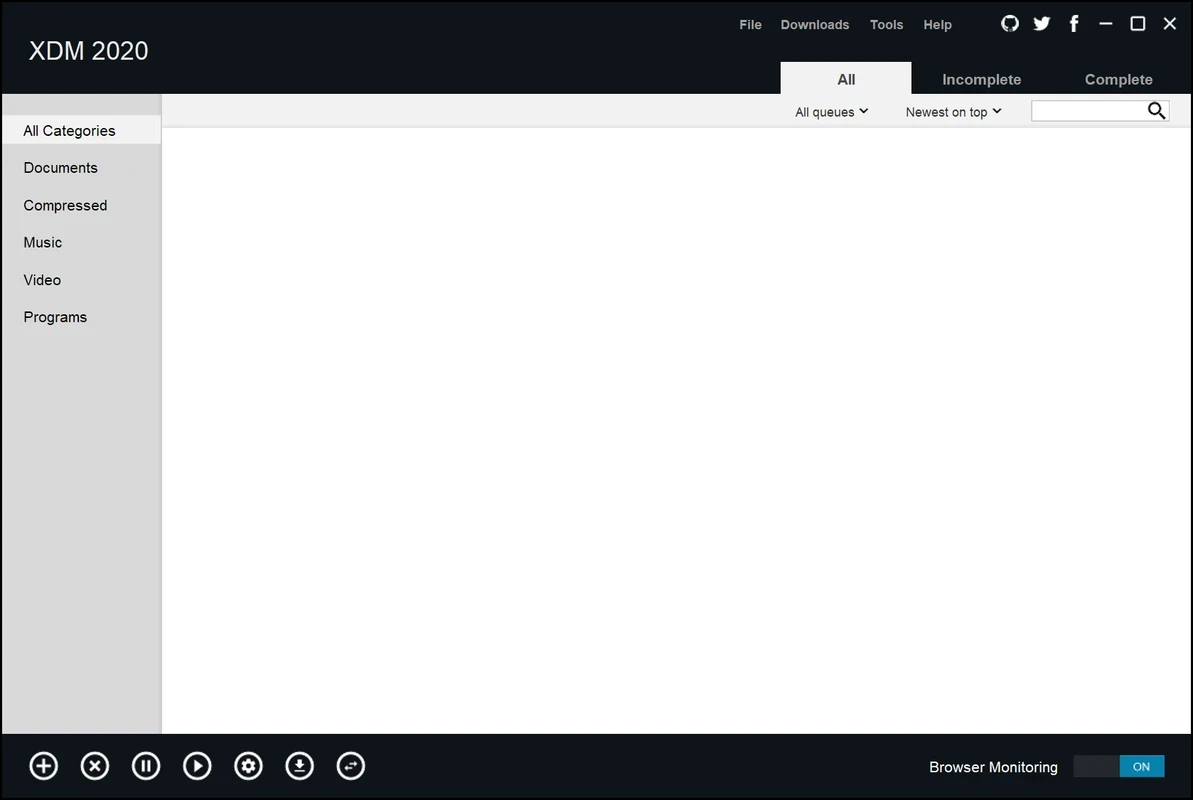
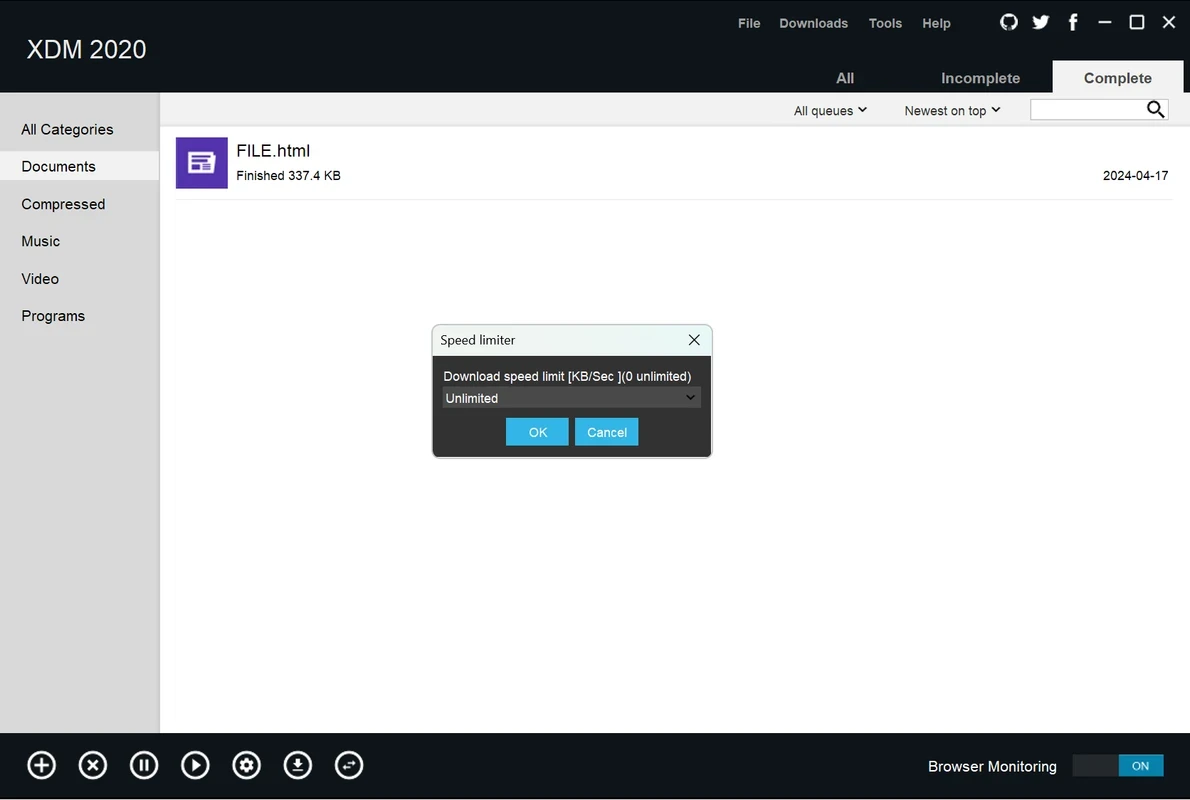
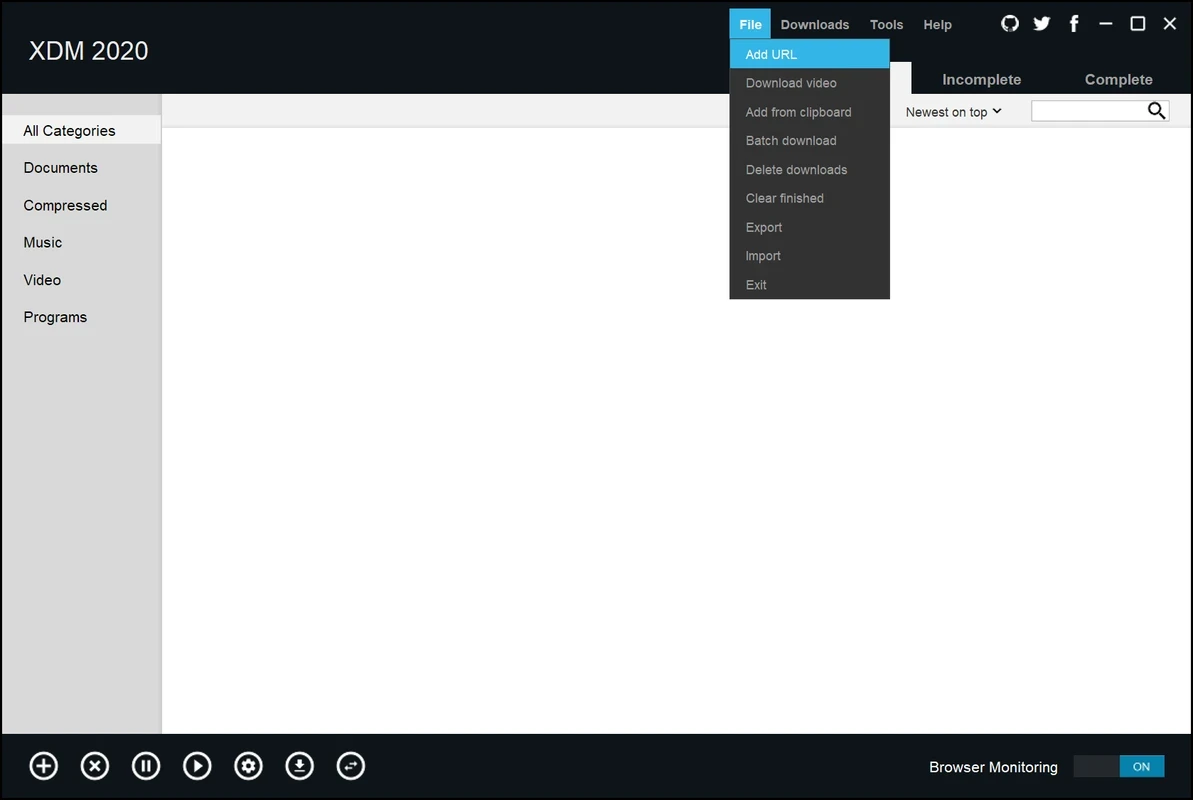
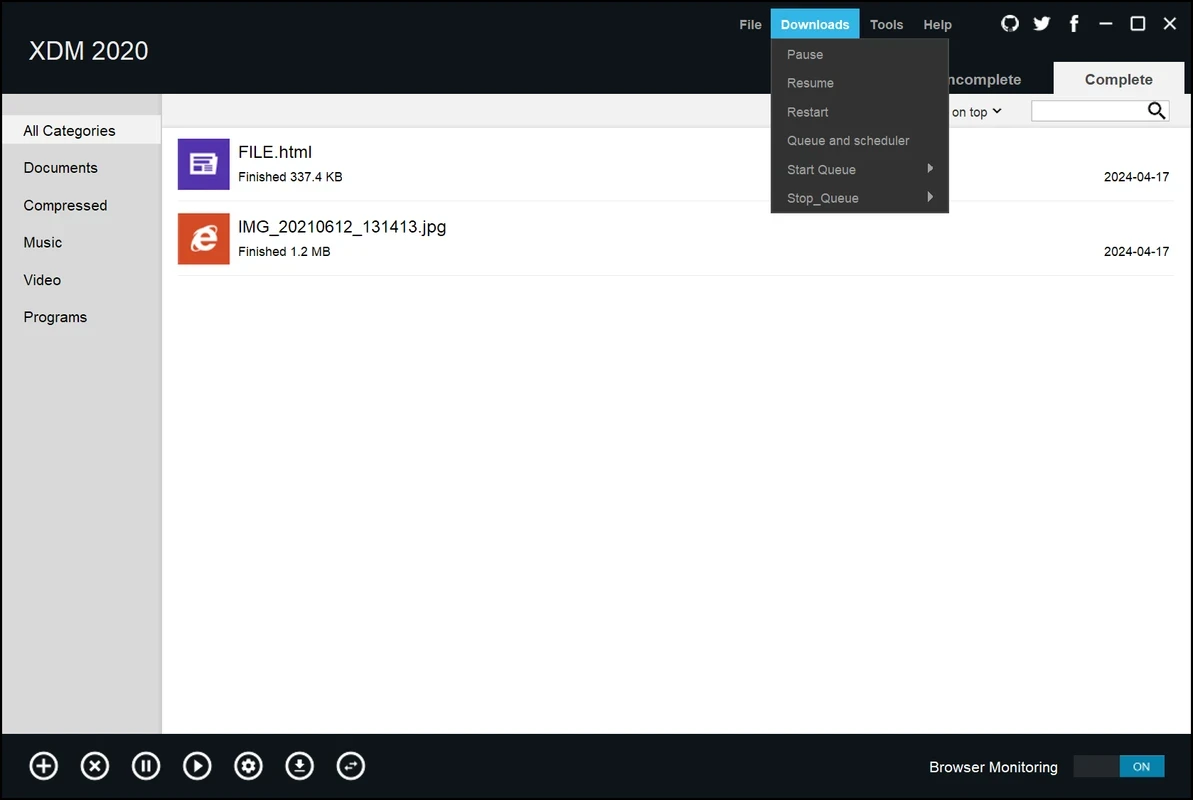

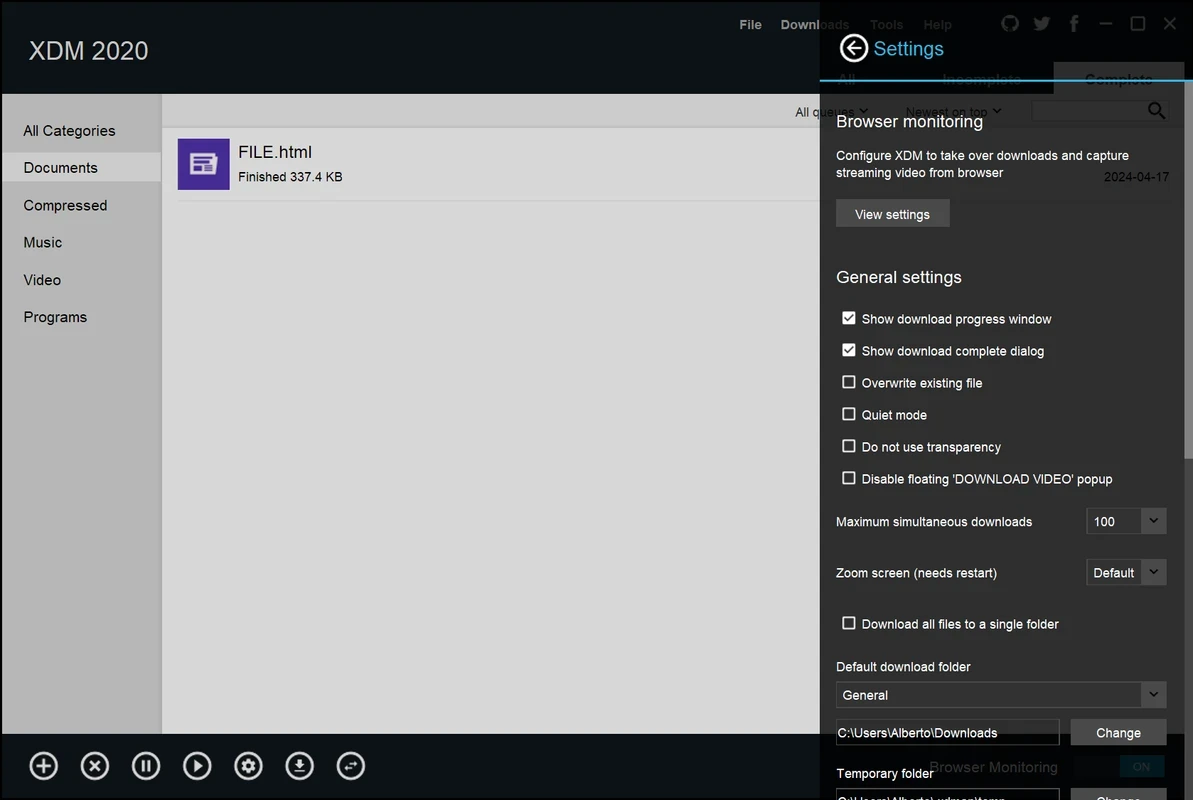

Xtreme Download Manager, commonly known as XDM, is a powerful tool used for downloading limitless content at robust speeds up to 500%. You need only to enter the URL of your favorite video, and download whatever visual content you want to download, including videos, audios, documents, and so on.
The app helps to manage all types of issues related to downloads, such as slow downloads, broken files, and unreliable browser downloads. So, you can easily save streaming videos over the Internet, resume broken/dead downloads, schedule downloads, and even convert downloads to the format you want.
Xtreme Download Manager is one of the popular tools, allowing users to download their desired content from multiple streaming sites, including YouTube, Vimeo, Dailymotion, and so on. It has a built-in video downloader and video converter for the ease of users to save their favorite visual content right on their PC.
It offers support for a wide range of protocols such as HTTP, HTTPS, FTP, and so on. The integration with multiple Chromium- and Firefox-based web browsers makes your downloading and streaming of your favorite videos quick and easy.
You will be capable of downloading your desired content while using multiple sources such as direct links, complicated file hosts, and popular video-sharing programs, including YouTube, Dailymotion, and Vimeo. It also captures streaming media played in browsers. It is simple, as you need only to play the videos and save them, but it is necessary to enable the MediaGrabber tool, which gives you access to a huge variety of websites.
It allows users to download FLV videos from multiple popular sites such as YouTube, MySpaceTV, and Google Video. You need only to install the app and download webpage-embedded videos from the Internet easily. When you have the app on your device, you will see the “Download This Video” option on the screen whenever you watch a video anywhere on the Internet. Simply click the button and start downloading your favorite clips.
The app, with seamless integration with multiple popular web browsers such as Chrome, Firefox, Edge, Opera, and Safari, regardless of the device you are using, including Windows, Linux, or macOS, enables users to reliably grab their desired content easily. You need only to grab links of your favorite videos and start the downloading process with a single click.
The support for intelligent dynamic file segmentation technology offers an accelerated downloading process up to 5 times, as compared to other such utilities. It splits downloads into multiple threads and maximizes the available bandwidth while using advanced algorithms. It doesn’t require additional connect and login stages, as it reuses available connections, and offers awesome improvements, specifically to download videos from a server based on segmented downloads.
It is one of the most significant features, as it helps us to examine the downloading process, allowing us to resume the paused process. It manages both ways, manually paused or interrupted midway, offering error recovery and resume capability for restarting broken or interrupted downloads. So, you can easily start from the exact point hassle-free, instead of restarting from the initial point, and save your time and data.
The clean and intuitive interface with quick navigation proves uncluttered and beginner-friendly. You will find the list of current, queued, and completed downloads on the main window. You can easily navigate to all primary features such as adding new downloads, viewing active and completed downloads, and accessing conversion tools. A mini toolbar is available on top of the window, enabling you to pause, resume, and grab new URLs as well. Moreover, the straightforward settings menu is highly customizable for tailoring the tool according to personal preferences.
It is another comprehensive feature, allowing users to schedule their downloads according to their preferences. It helps to manage your downloading process, as you can schedule the program to connect to the Internet for any specific time. In this way, after completing the download, the app will disconnect from the Internet or close your computer. It is also possible to set up your own proxy.
Built-in antivirus capability offers a quick scanning process for downloaded files for malware. This extra layer of security helps to protect your download folder from all types of malicious content. You will also find a built-in video converter to convert video into a format you like, such as MP4, AVI, or MP3.
Pros
Cons

AnyDesk, a fast remote access to computers

Accelerated Downloading with Internet Download Manager (IDM)

SHAREit for PC is the best option for a P2P file-sharing process without using Wi-Fi.

ShareMe for PC, a freeware and streamlined file-sharing app

uTorrent, a powerful, lightweight, and fastest P2P file-sharing software

Xender for PC, an effective and convenient file transfer utility